
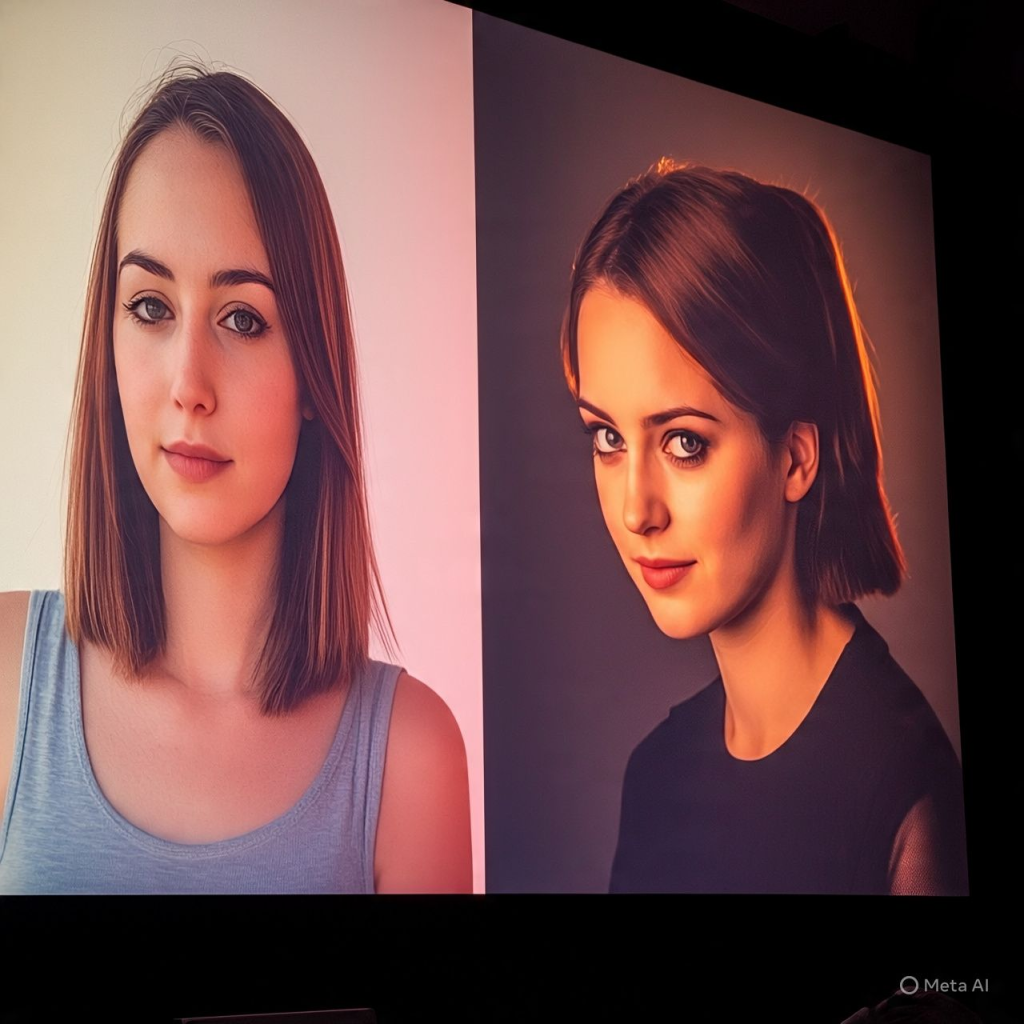
How to Use Our Color Grade mixing Tool
At ConvertImageSize.com, we offer a powerful online color mixing tool designed for creators, photographers, and video editors who want to enhance the visual quality of their images and videos without needing complex software like Adobe Premiere Pro or Final Cut Pro.
What is a Color Grading Tool?
A color grading tool allows you to adjust the colors, tones, and contrasts of images or videos to achieve a professional and cinematic look. Unlike basic color correction tools, color grading involves artistic manipulation for mood, emotion, and style.
Whether you’re a beginner looking for a free color grading app or a professional using Premiere Pro color grading plugins, our tool offers a browser-based solution for quick and easy grading.
Step-by-Step Guide to Using the Color Grading Tool
1. Visit the Tool
Access the tool at our official link: AI Color Grading Tool.
2. Upload Images
You can upload a reference image and a target image. The reference image’s color palette will be analyzed and matched to the target image using our AI-powered grading system.
3. Choose Grading Style
- Choose from cinematic, vintage, black & white, and other presets similar to those in color grading apps.
- Custom adjustments for brightness, contrast, and saturation.
4. Preview and Download
Once the color grading tool applies the desired look, preview the changes and download your edited image. All processing is done online, similar to using color grading photoshop or lumetri color in Premiere Pro, but much faster and simpler.
Why Use ConvertImageSize.com’s Color Grading Tool?
- No software installation – works entirely online.
- Fast and free alternative to final cut pro color correction tools.
- Beginner-friendly and perfect for social media, marketing, and photography.
Advanced Users
If you’re used to color correction in Photoshop or color grade for Premiere Pro, you’ll find our tool helpful for quick mockups or real-time previews before diving into professional editing software.
Top Features
- Custom and preset grading styles
- AI-powered automatic color matching
- High-quality image output
- Inspired by tools in color grading fcpx and colour grading Lightroom
FAQs – Color GrademixTool
1. Is this tool free to use?
Yes, our color grade tool is completely free. It functions like a free color grading app in your browser.
2. Can I use this for videos?
Currently, our tool supports images only. For video editing, we recommend tools like Adobe Premiere Pro color grading or Final Cut Pro colour correction software.
3. What are the supported file formats?
We support JPG, PNG, and WebP formats. Exported images retain high quality.
4. How does this compare to Photoshop color grading?
While color correction Photoshop offers deeper manual control, our tool offers instant AI-powered grading ideal for quick edits and non-technical users.
5. Can I use it to correct red-eye?
No, our tool is focused on grading. For that, use red eye correction online tools or correct red eye in Photoshop.
6. Does this work like Premiere Pro plugins?
Our tool mimics popular looks found in Premiere Pro color correction and color mixing plugins for Premiere Pro, but operates completely online.
7. Can I use this with Final Cut Pro?
Use our tool to preview color styles before applying them in colour mixing Final Cut Pro or color grading FCPX.
Need Help?
If you need assistance or want to suggest features, please Contact Us.
Read also
Importants of Color grading Presets
Conclusion
Whether you’re editing for social media, marketing, or creative projects, our color grading tool offers a fast and simple way to enhance your visuals. No downloads, no plugins—just powerful grading at your fingertips.
Try it now: AI Color Grading Tool